
The Welcome Message is a valuable communication tool in your HRIS portal. Often, employers use this section to "welcome" employees to their HRIS portal. However, we've also seen businesses use this area to post important updates, reminders, and other internal communications. We encourage you to get creative and use this as a virtual "Company Bulletin" to your employees!
Create Your Welcome Message
From the Home screen, press Manage in the welcome message section to update the message that is displayed in the user portal login.
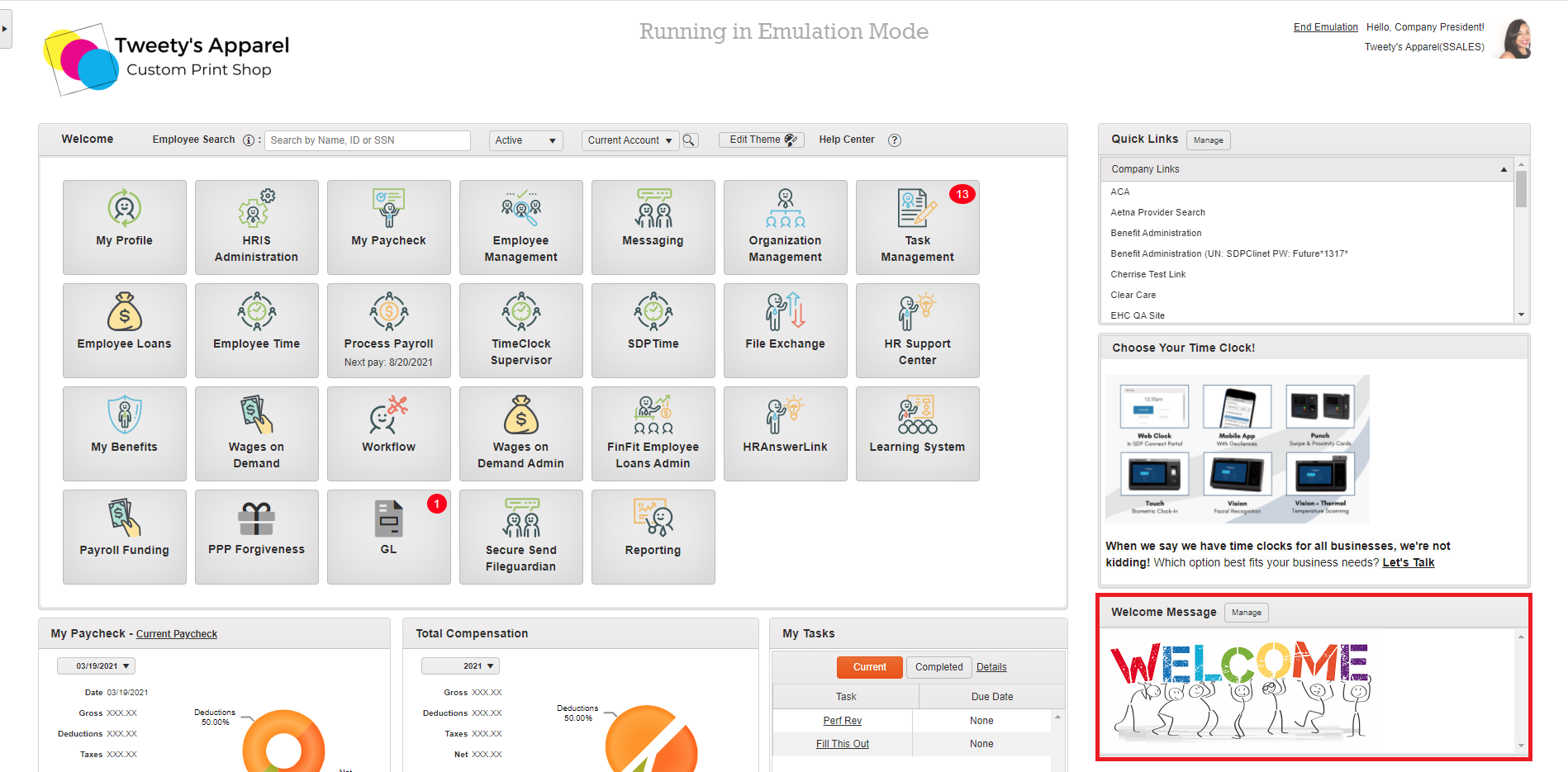
This will open our Welcome Message Editor, where you can add text, pictures, links, and more to craft your company's Welcome Message.
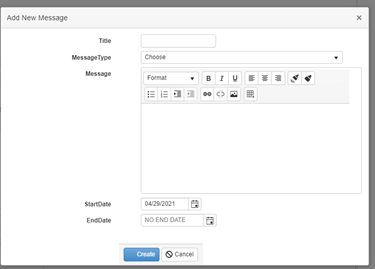
Message Options
Upload Pictures:
Link to a web-hosted picture by choosing the picture icon from the toolbar:

Create a Table:

Link to a Web Address:

Scheduling:
Admins also have the ability to schedule messages so you can get your employees the information they need--when they need it. To start scheduling, just add a Start Date and End Date before clicking Create.
Top Tip: Welcome messages aren't limited to saying "Welcome"! We've seen clients use this widget for all sorts of creative communications. For example, company updates, birthday and anniversary messages, volunteer opportunities, virtual happy hour invites, and more!
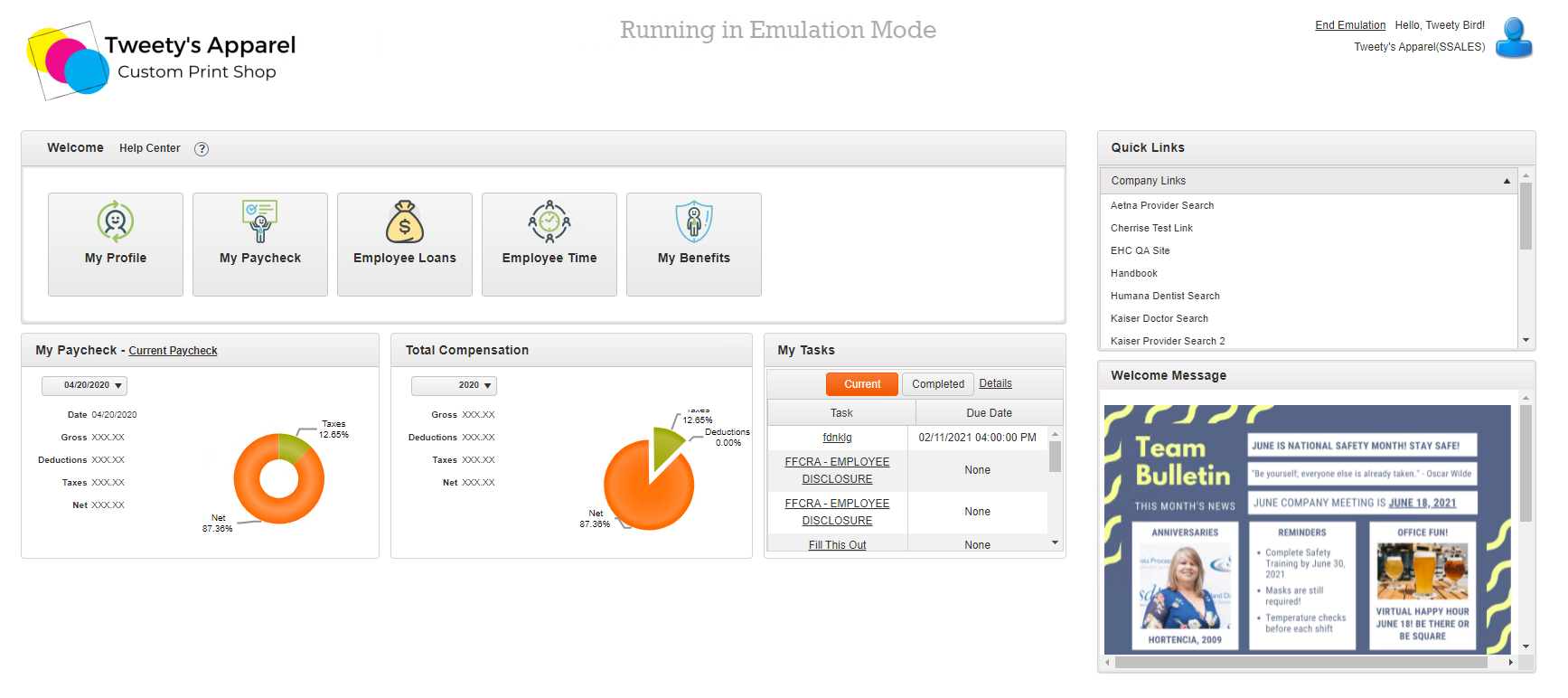
Employee View
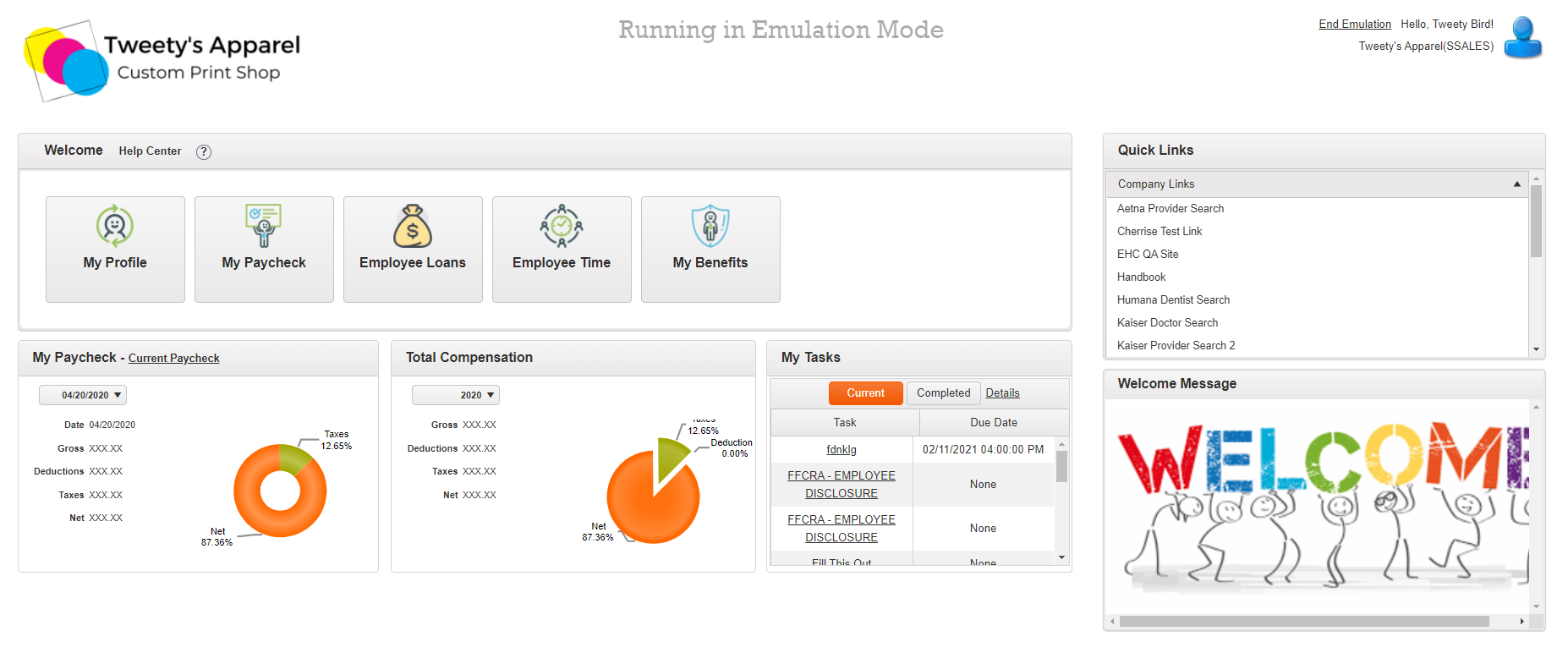
View of the entire dashboard with a welcome message displayed:
Comments
0 comments
Please sign in to leave a comment.