
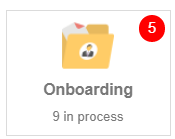
Click on the Onboarding Module
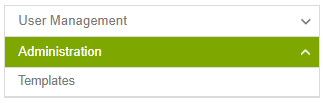
Click the Administration menu and choose Templates
You can edit an existing template by selecting it from the template list

Remove a step from the onboarding process by unchecking box within the step
Edit the step by pressing the "edit" button within the step preview
Re-order the steps by highlighting the step and dragging it to the appropriate place within the template
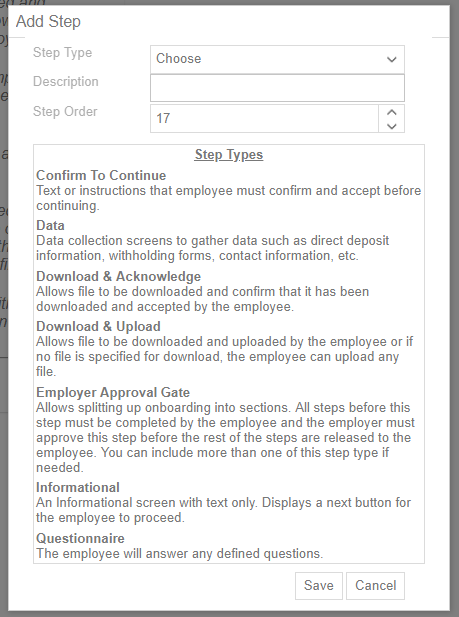
Add a new step to your existing template by pressing the add new step button that appears after the last step in your template.

Choose a step type (definitions below)
Add a description (title of your step)
Choose a Step order (place in the template)
Adding New Onboarding Templates
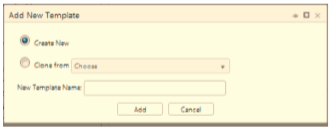
Add a new template by pressing the "Add new template" link
Create New = Create a new template from scratch
Clone from allows you to clone from an existing template
New Template Name = The Title of your new template
Comments
0 comments
Please sign in to leave a comment.