
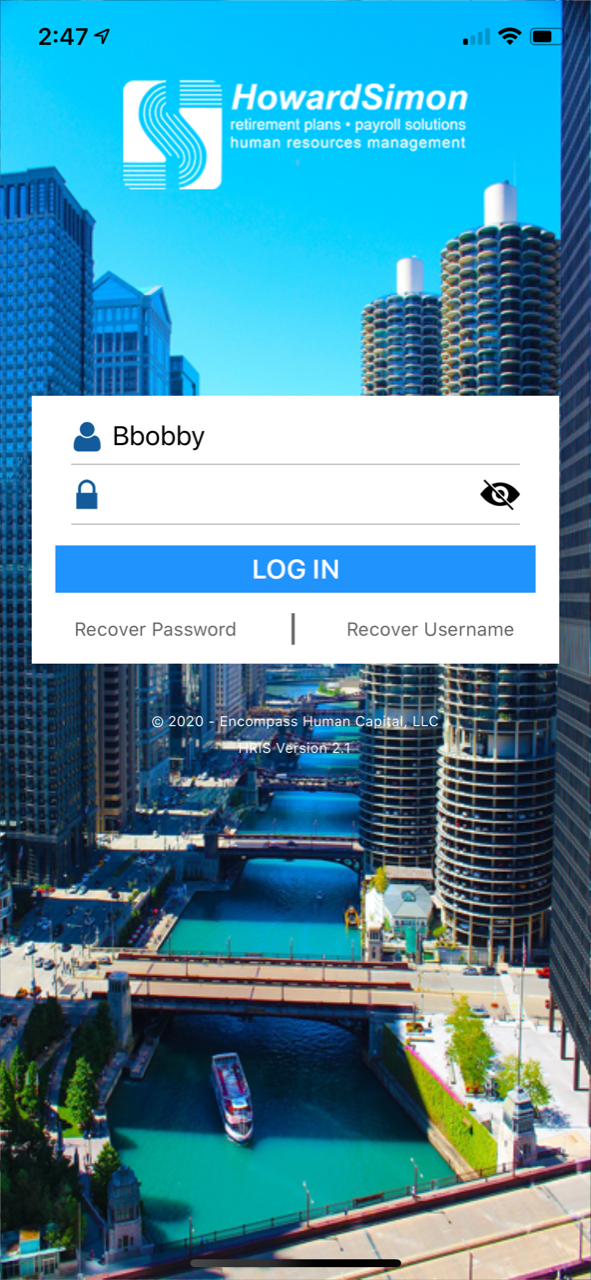
To log into the mobile app simply enter the same username and password used to access the portal in the fields below and select the "Log in" button.
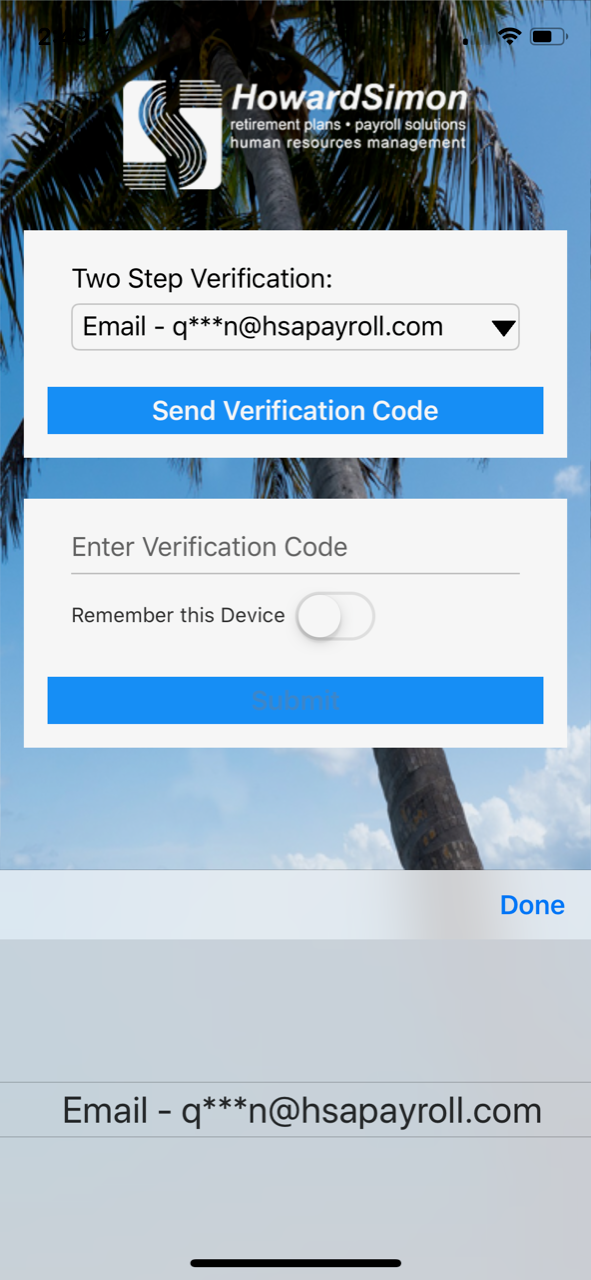
If this is the first time you have logged in on your mobile device you will be asked to verify your account via two factor authentication (2FA). To verify your account first select to receive your 2FA code via Email or text message from the drop-down menu and select the "Send Verification Code" button:
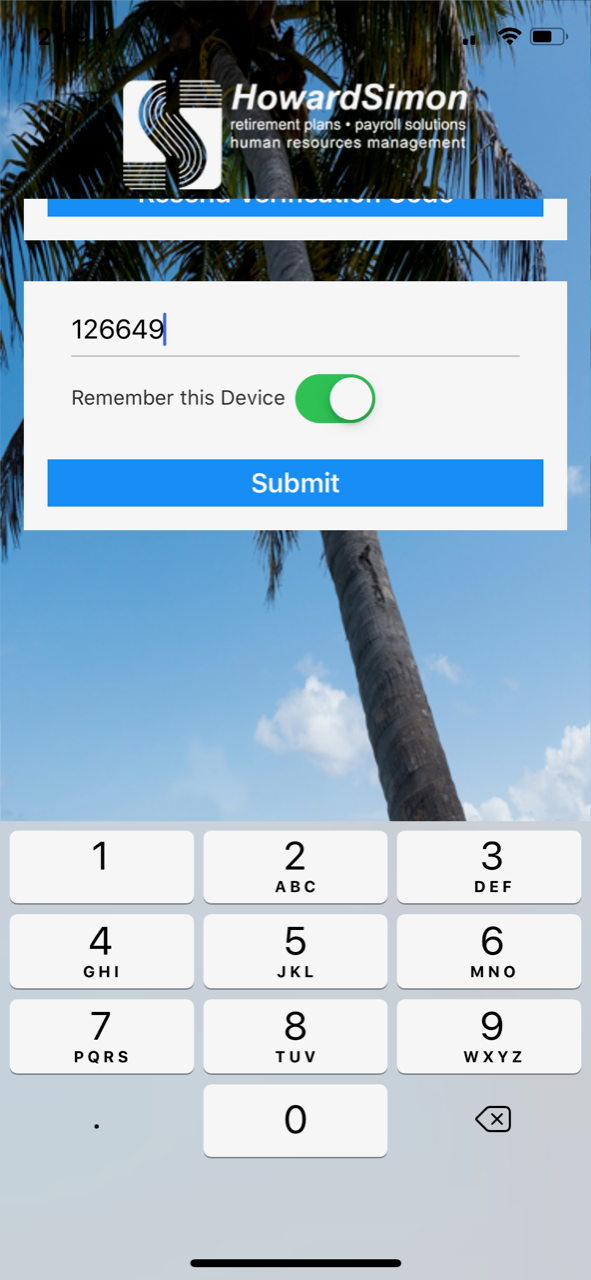
Once you have received your verification code enter your code in the box below. If you would like your device to be remembered to avoid using 2FA on every sign-in select the "Remember this Device" button then select the "Submit" button.
If you have entered your verification information correctly you will be logged into the app. You may be asked if you would like your Username and Password to be remembered via thumb print or Face ID upon sign in. If you wish to do so select "Yes". If you do not wish to save your Username and Password select "No:.
Comments
0 comments
Please sign in to leave a comment.