
You can create a new role for any group of employees with similar security profiles. Some examples may include Salaried Managers, Non-Salaried Managers, Sales Team, Warehouse, and Human Resources. Each role can have assigned users, modules, and Quick Links, all of which are managed using the configuration menu found in the HRIS Administration module.
Our system comes loaded with several default Roles (which you can always customize!), but you also have the ability to create brand new roles.
Step-By-Step Instructions
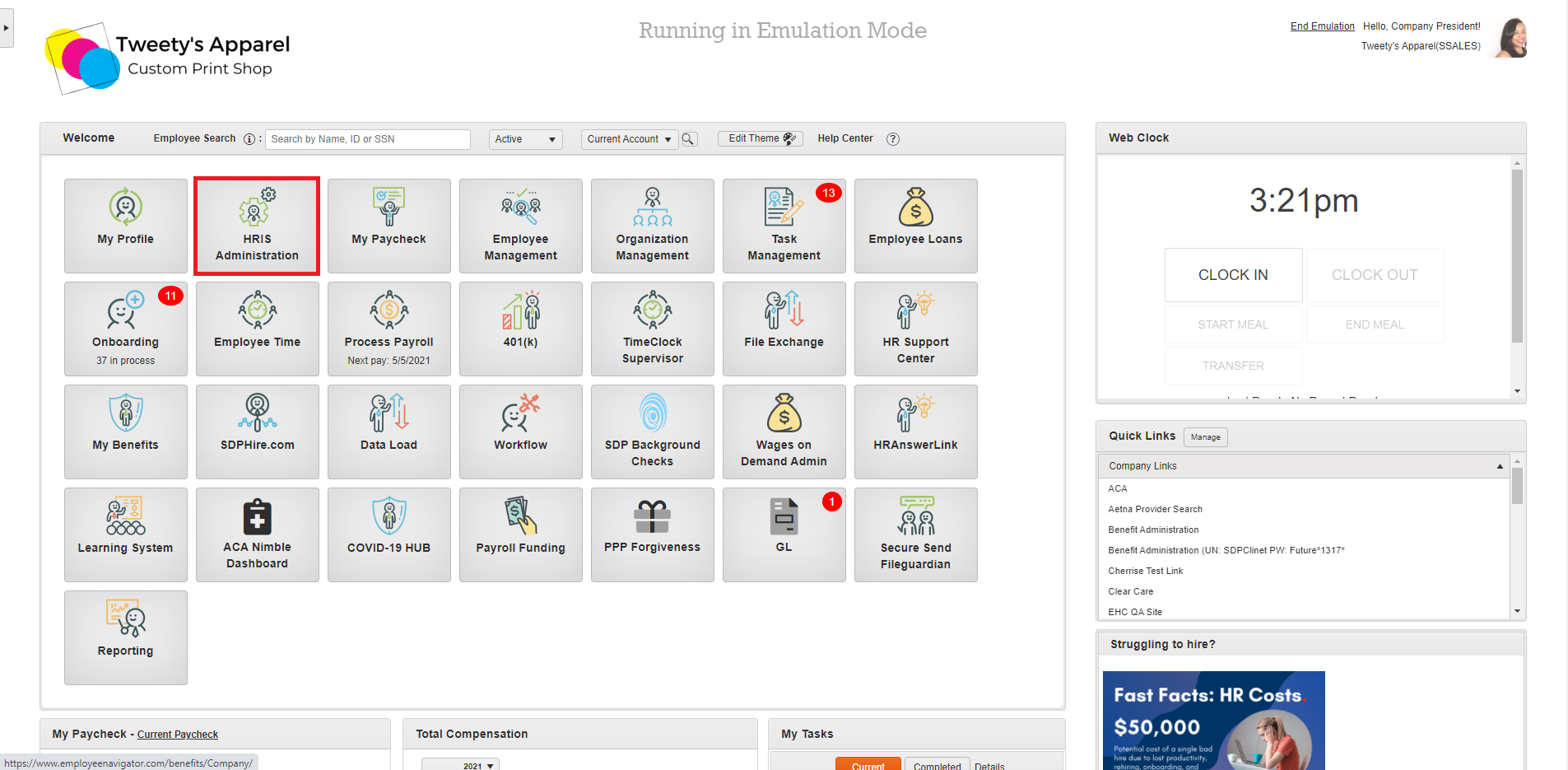
To begin, launch the HRIS Administration module from the home screen of your HRIS portal.
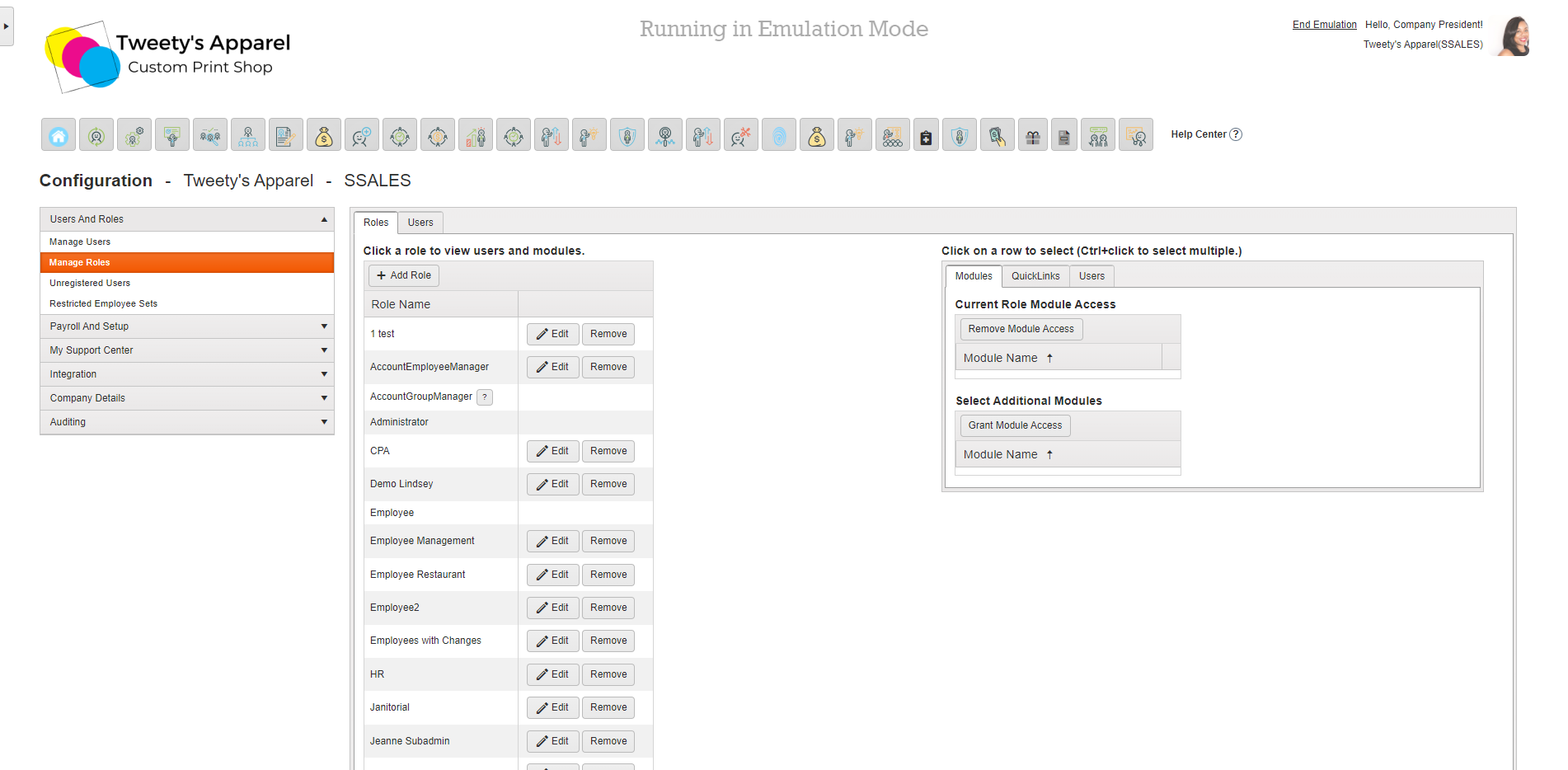
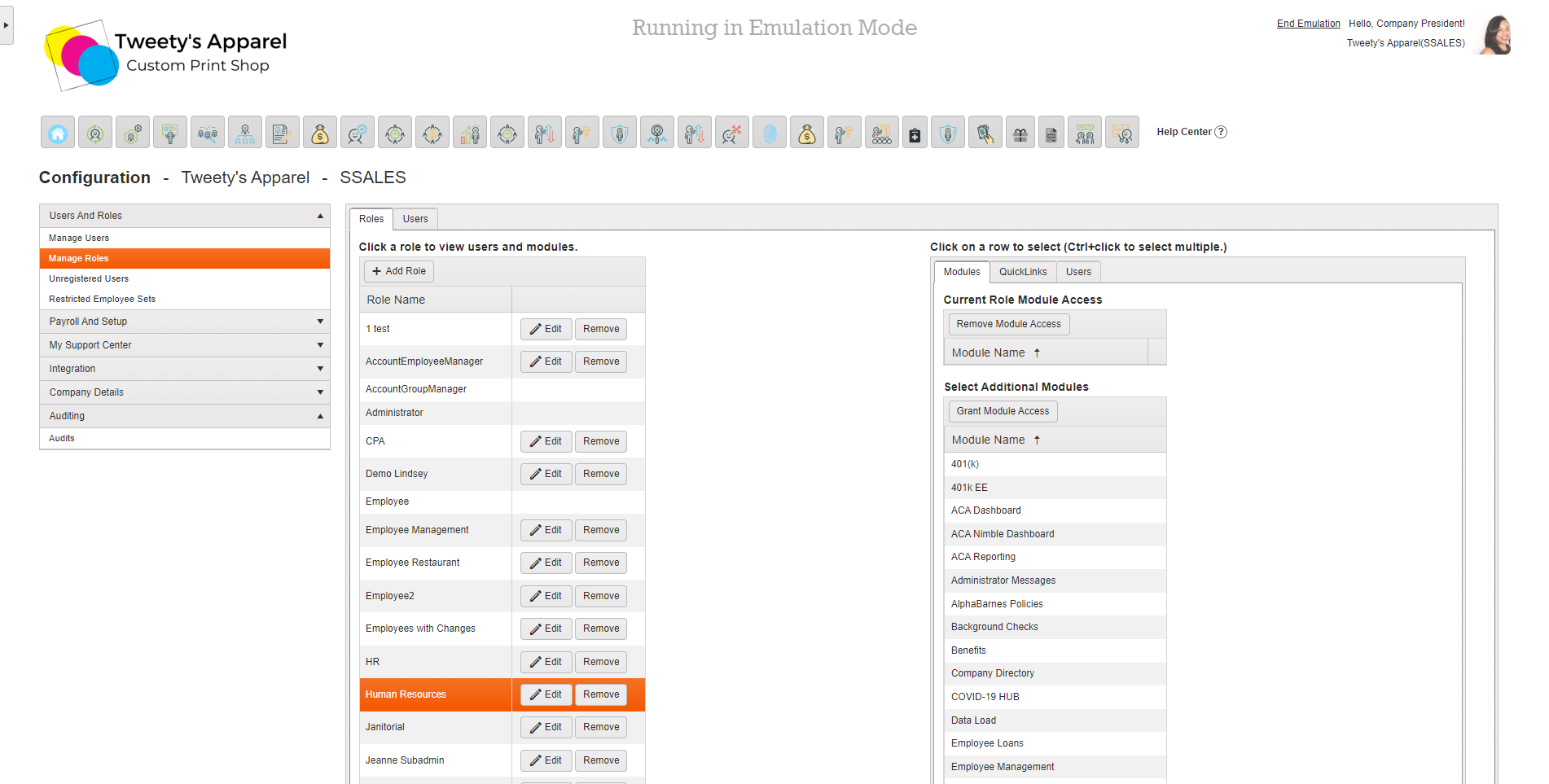
Then, select Manage Roles from the side menu under Payroll And Setup.
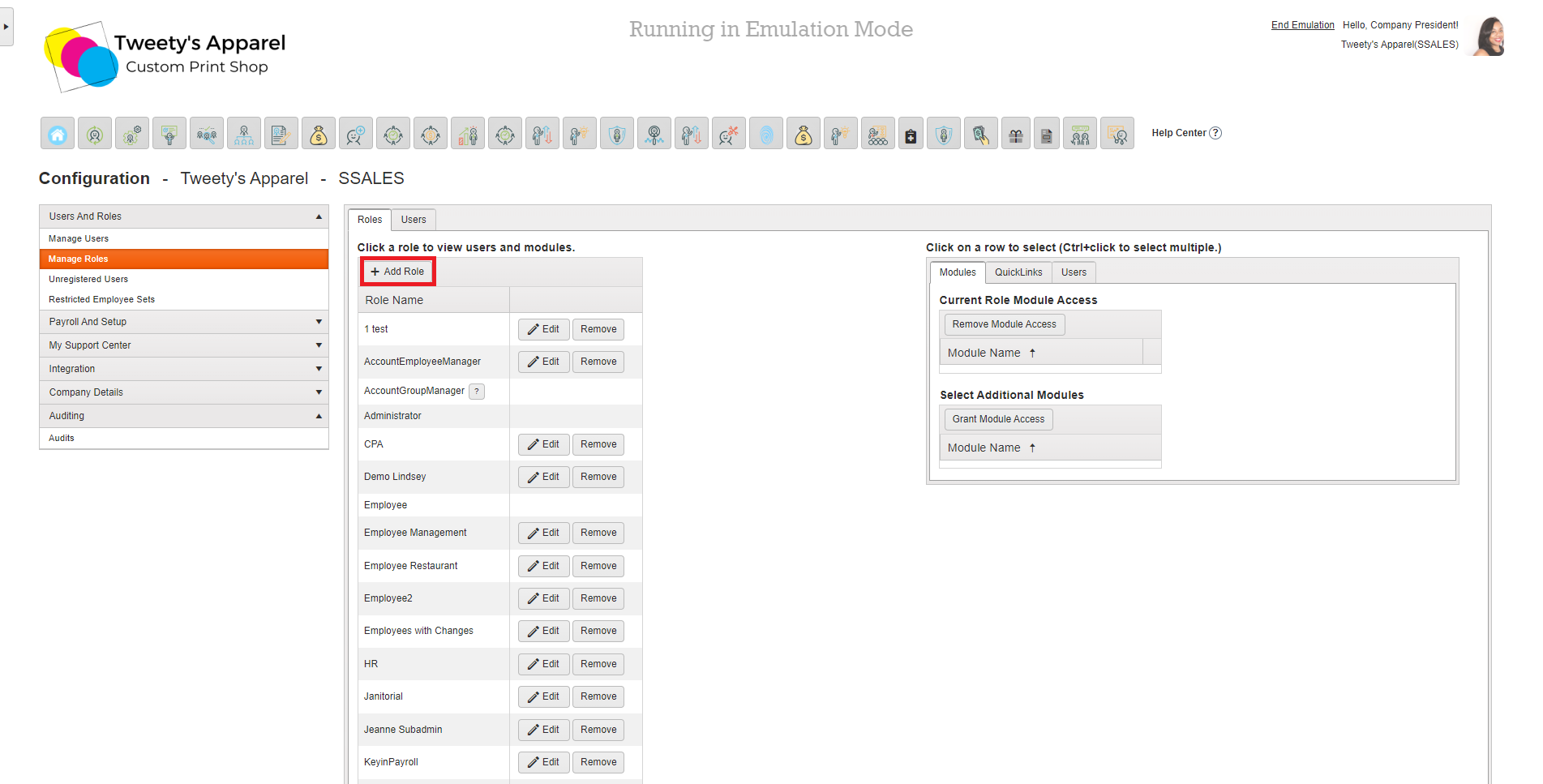
Then, click +Add Role.
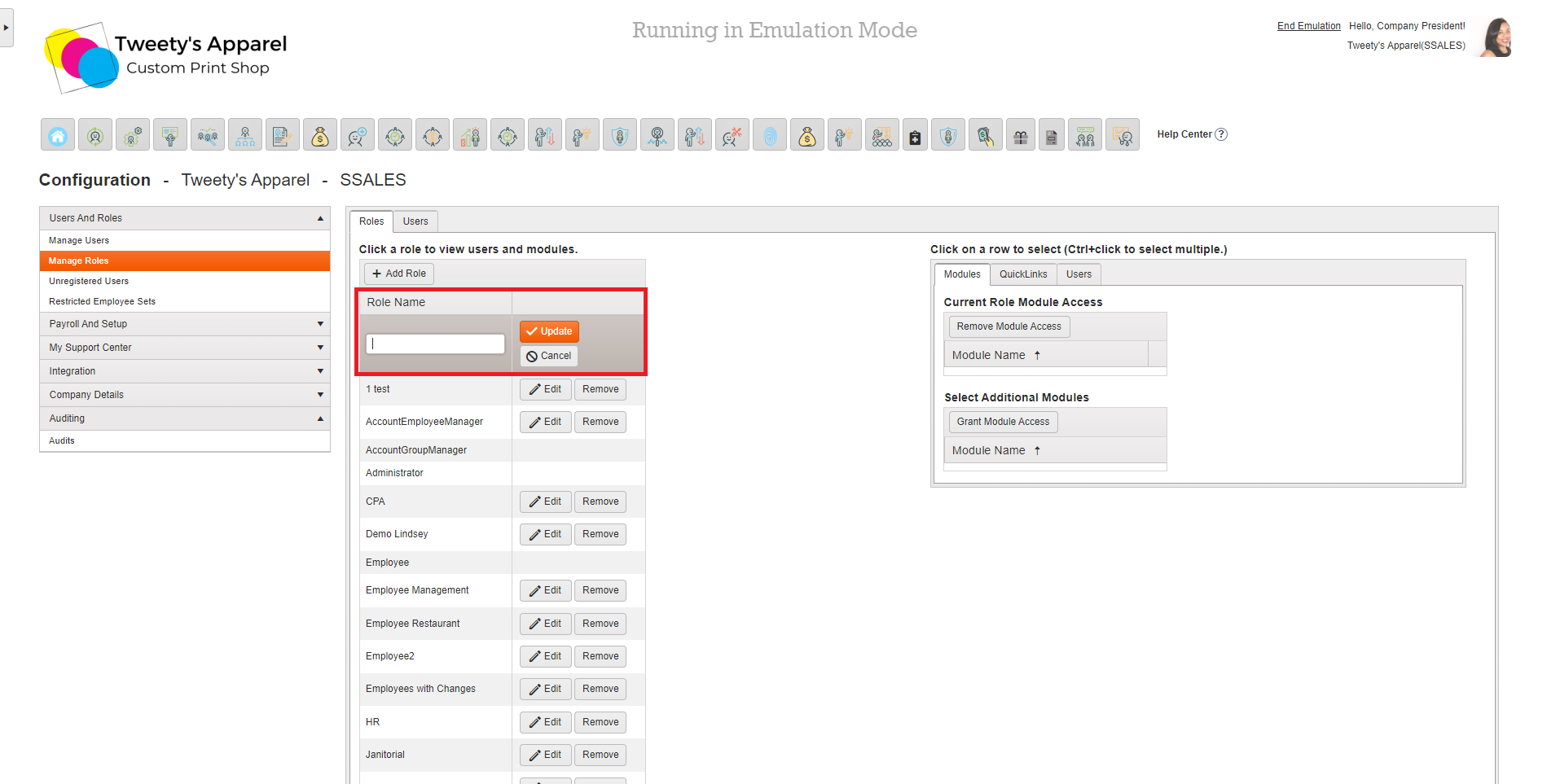
Enter the Name of the new role you are creating, then click Update.
Top Tip: You can always rename or delete your role later by clicking Edit or Remove next to the role's name!
Congratulations! You just created a brand new role. All new roles are created with no module access. Now that your role is created, click on it to begin customizing the role access.
Comments
0 comments
Please sign in to leave a comment.