
To add an employee through onboarding, you must first launch the Employee Management Module.
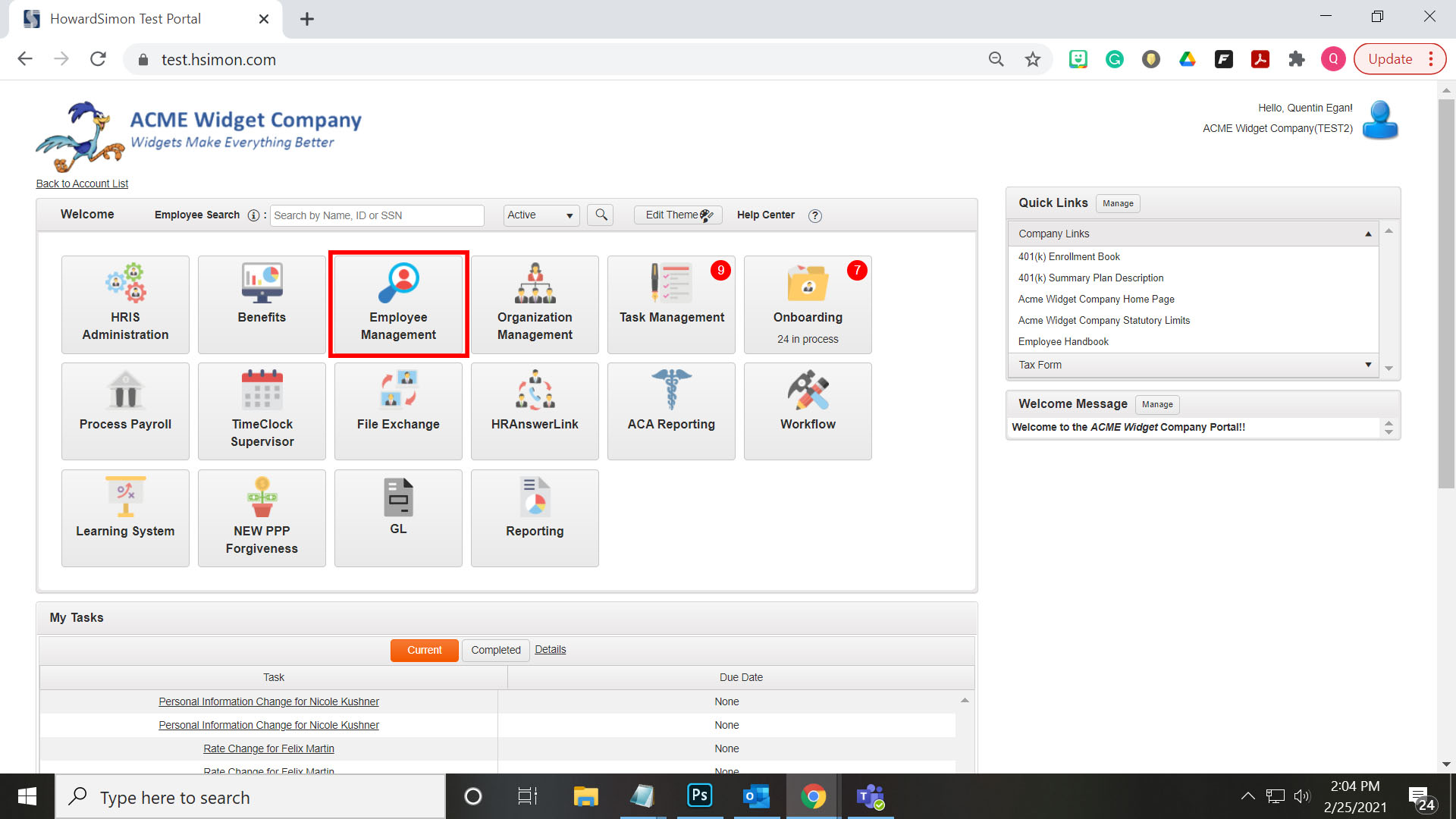
Next, select the Add New Employee button.

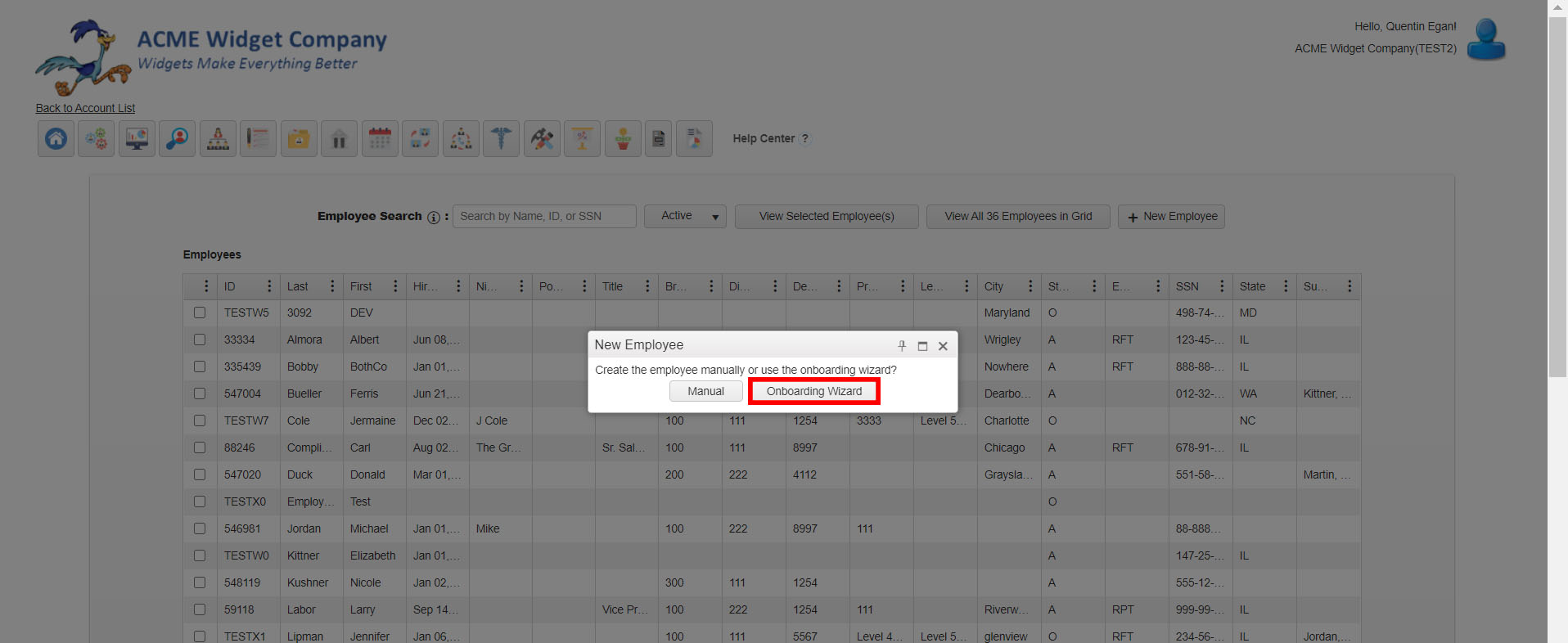
Select Onboarding Wizard from the Pop-Up Modal.
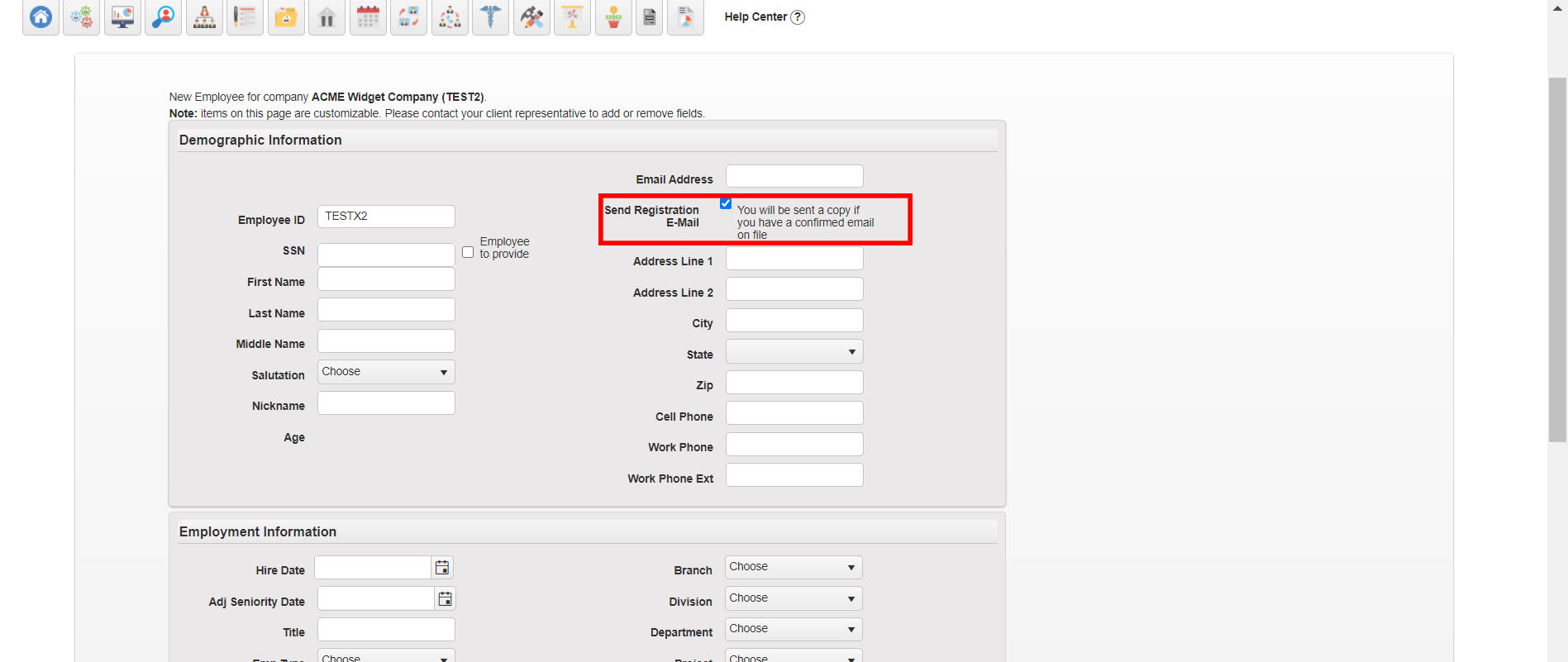
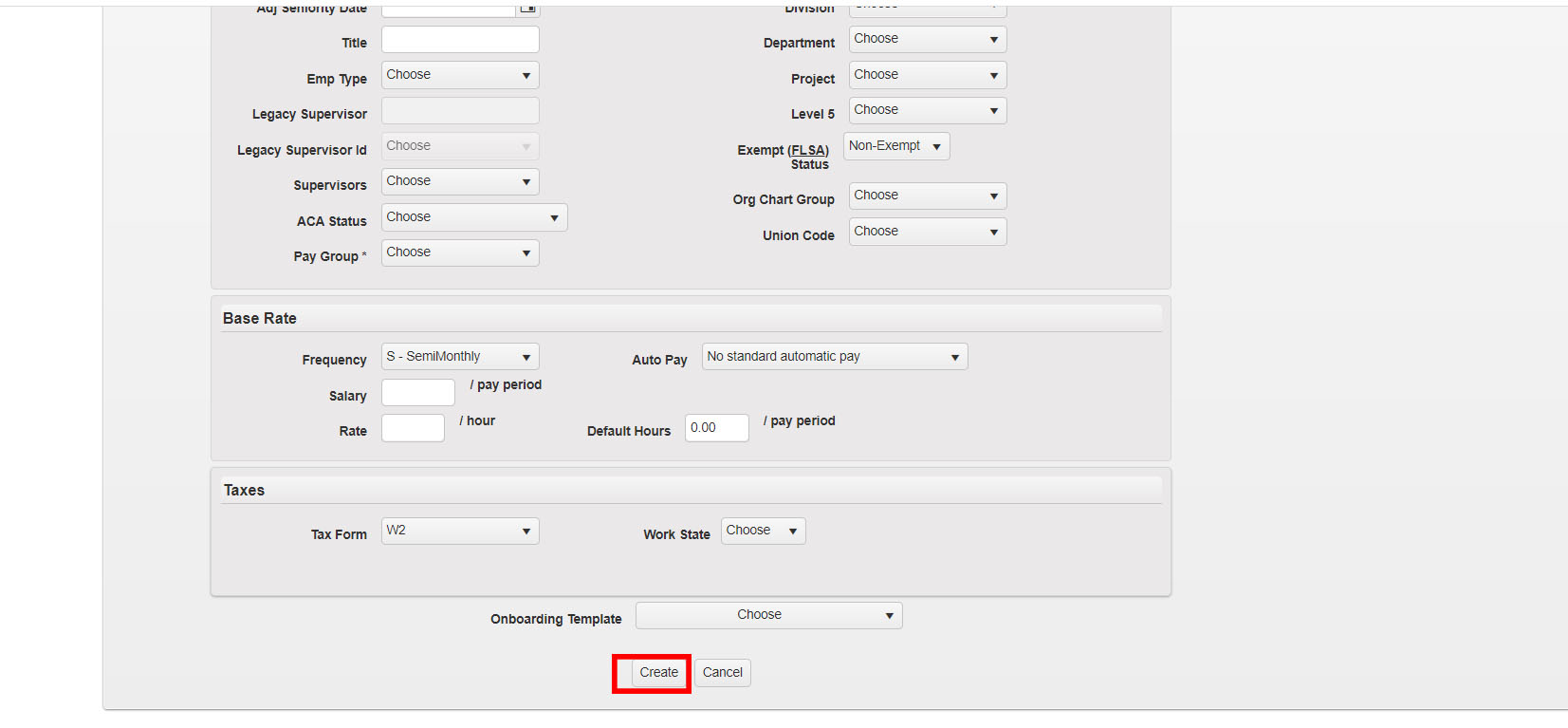
Next, fill out the required fields. Your employee will fill in any fields that are not required during their onboarding experience. If you would like to send a registration email to your employee be sure to mark the "Send Registration Email" check box.
After filling in the required fields, select an Onboarding Template.
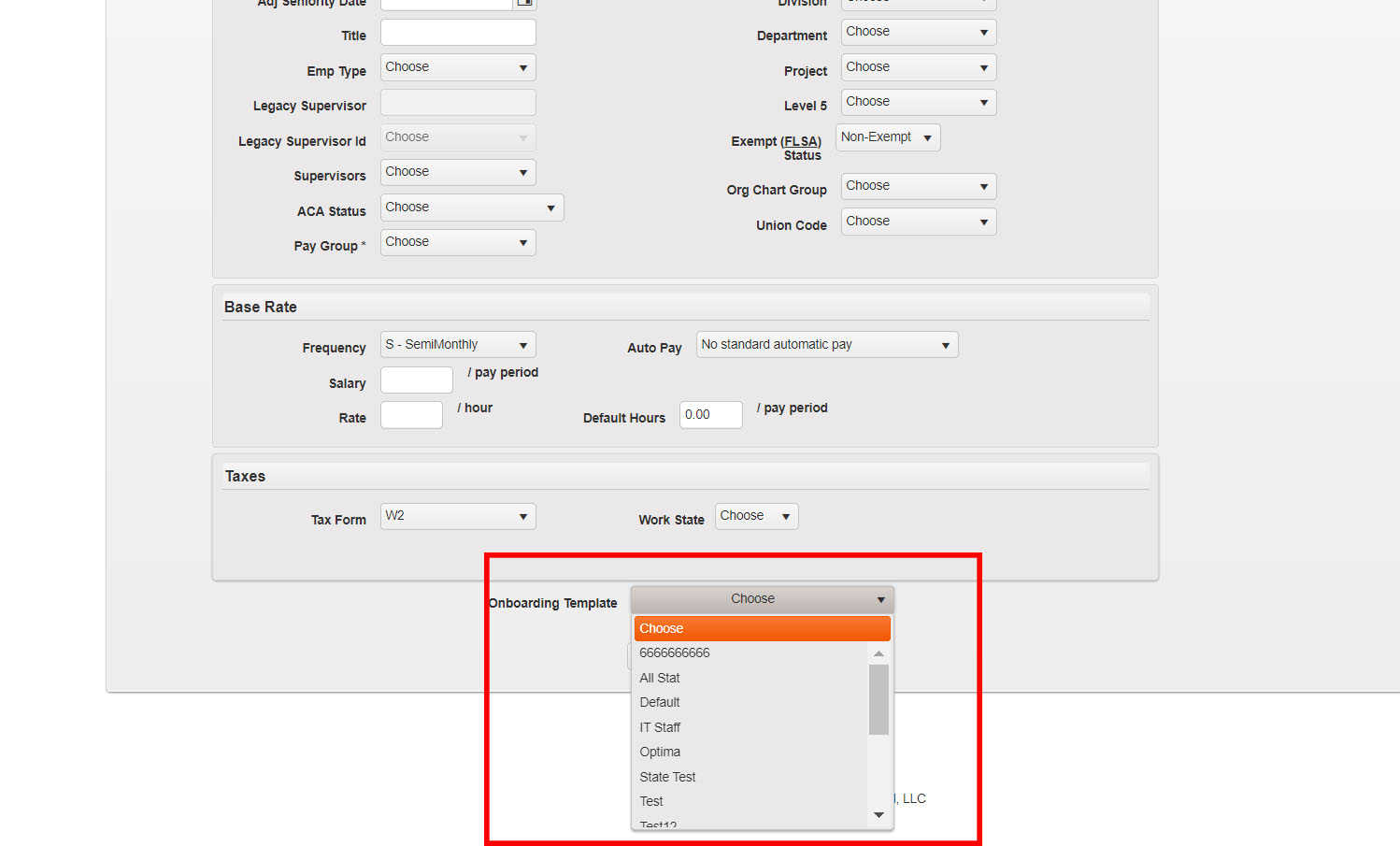
Finally, select the Create button.
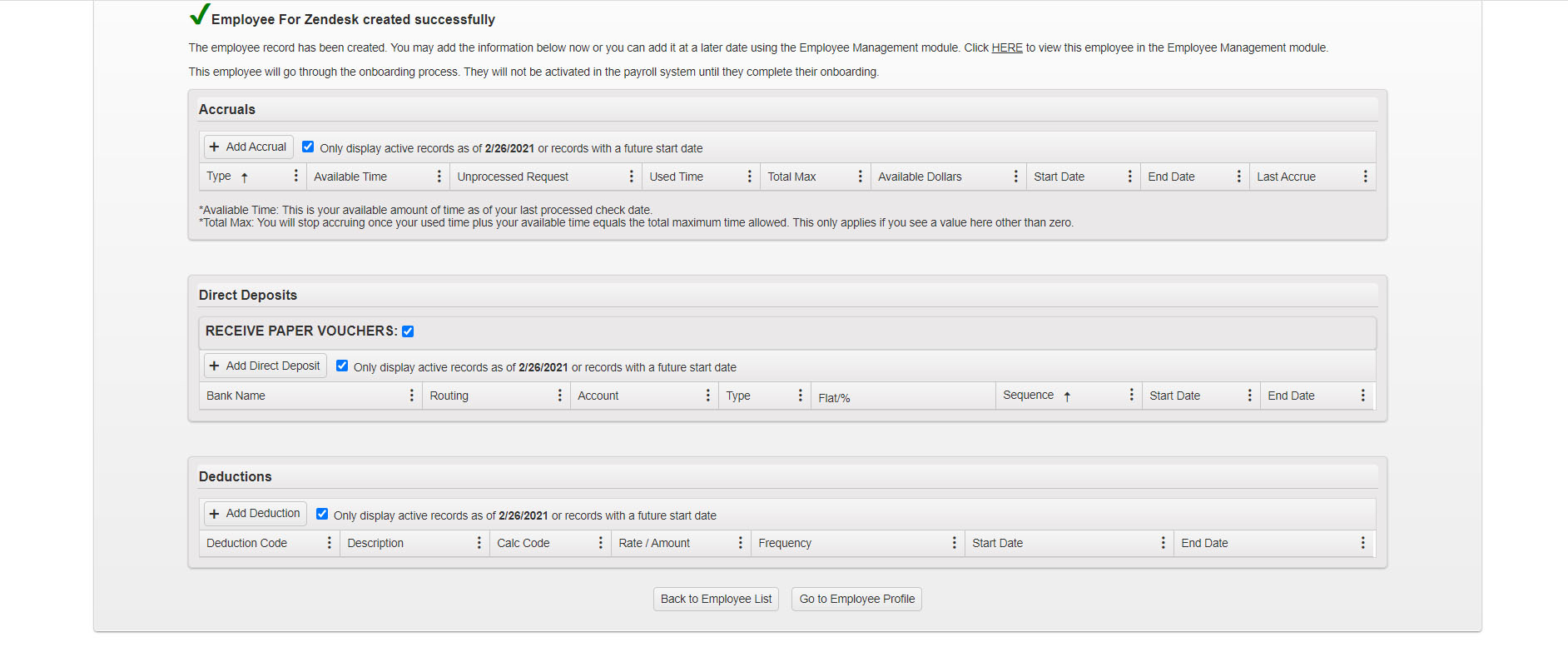
You have now successfully onboarded your new employee. If you wish to view your new Employee's profile you can do so by selecting the "Go to Employee Profile" button. You may also add any Accruals, Direct Deposits, or Deductions at this time.
Comments
0 comments
Please sign in to leave a comment.